Groups
Note
Machine translation from the German version. In case of doubt, the content of the German version shall prevail.
Groups are created under RUB Users and not under _RUB Systeme. No longer used groups should not only be deactivated but also deleted.
Create groups via GUI
Requirements for joining computers to the domain:
- A domain-joined workstation (preferably a dedicated admin workstation)
- Open the Active Directory Administrative Center as RUB_$OU_$loginid
Navigate through the selected tool by clicking through the AD tree to reach the desired location within your own OU. Right-click to create a new group.
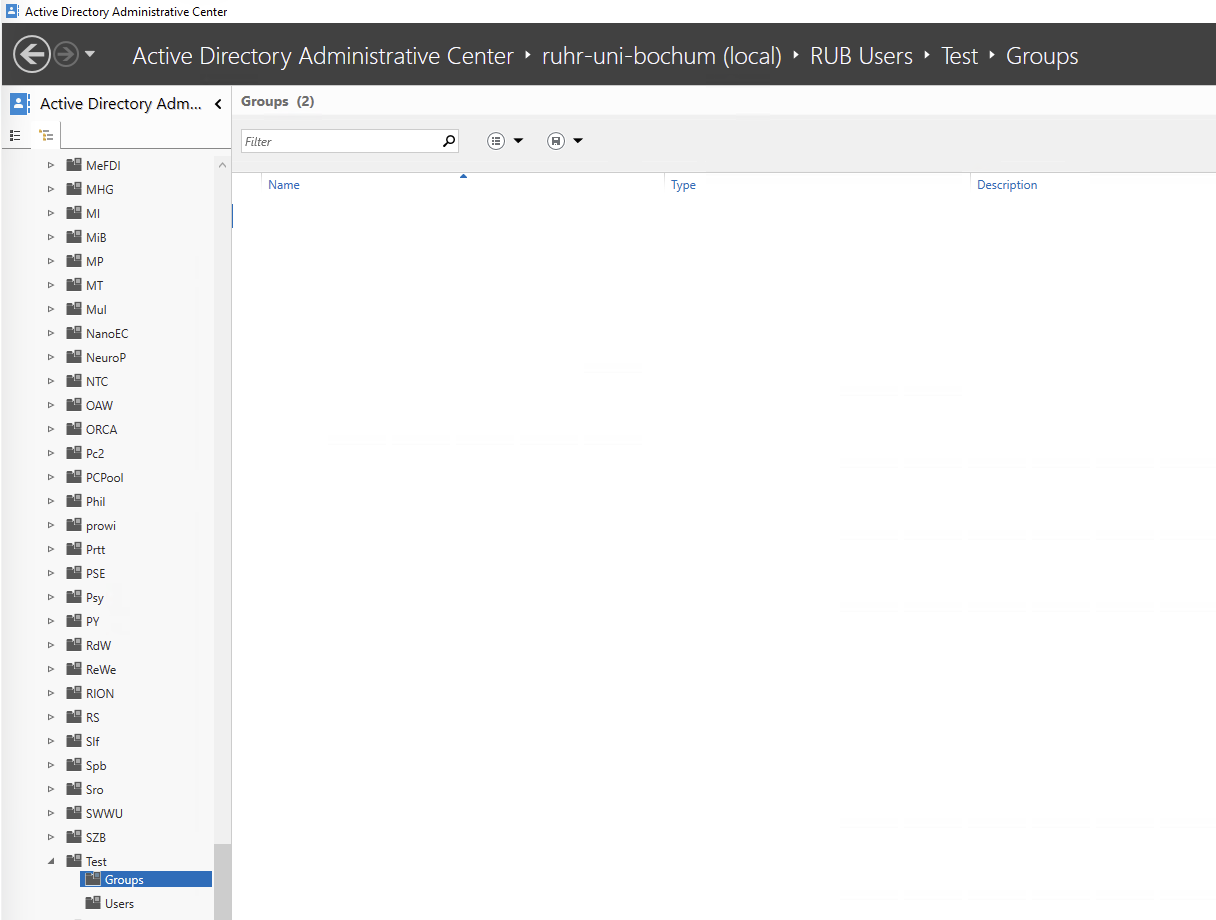
Create a group via PowerShell
You must adjust the variables beforehand for your specific use case.
# Variablen
$TargetOU  = "OU=Groups,OU=Test,OU=RUB Users,DC=ruhr-uni-bochum,DC=de"
$GroupName = "Test_Gruppe"

try {
    # AD-Modul laden
    Import-Module ActiveDirectory

    # Gruppe erstellen (Standard: Global + Security)
    New-ADGroup `
        -Name $GroupName `
        -SamAccountName $GroupName `
        -GroupScope Global `
        -GroupCategory Security `
        -Path $TargetOU `
        -Credential $Credential `
        -ErrorAction Stop

    Write-Host "Gruppe '$GroupName' wurde erfolgreich erstellt." -ForegroundColor Green
}
catch {
    Write-Host "Fehler beim Erstellen der Gruppe: $($_.Exception.Message)" -ForegroundColor Red
}