IP management with IPControl
Note
Machine translation from the German version. In case of doubt, the content of the German version shall prevail.
This documentation helps with the management of IP addresses and DNS entries. IPControl is the central tool for assigning addresses or names (such as example.ruhr-uni-bochum.de).
Help & Contact
If you do not have authorization for a specific domain or require alias names in the main zone ruhr-uni-bochum.de, please send an email to: **hostmaster@ruhr-uni-bochum.de.
Search and find
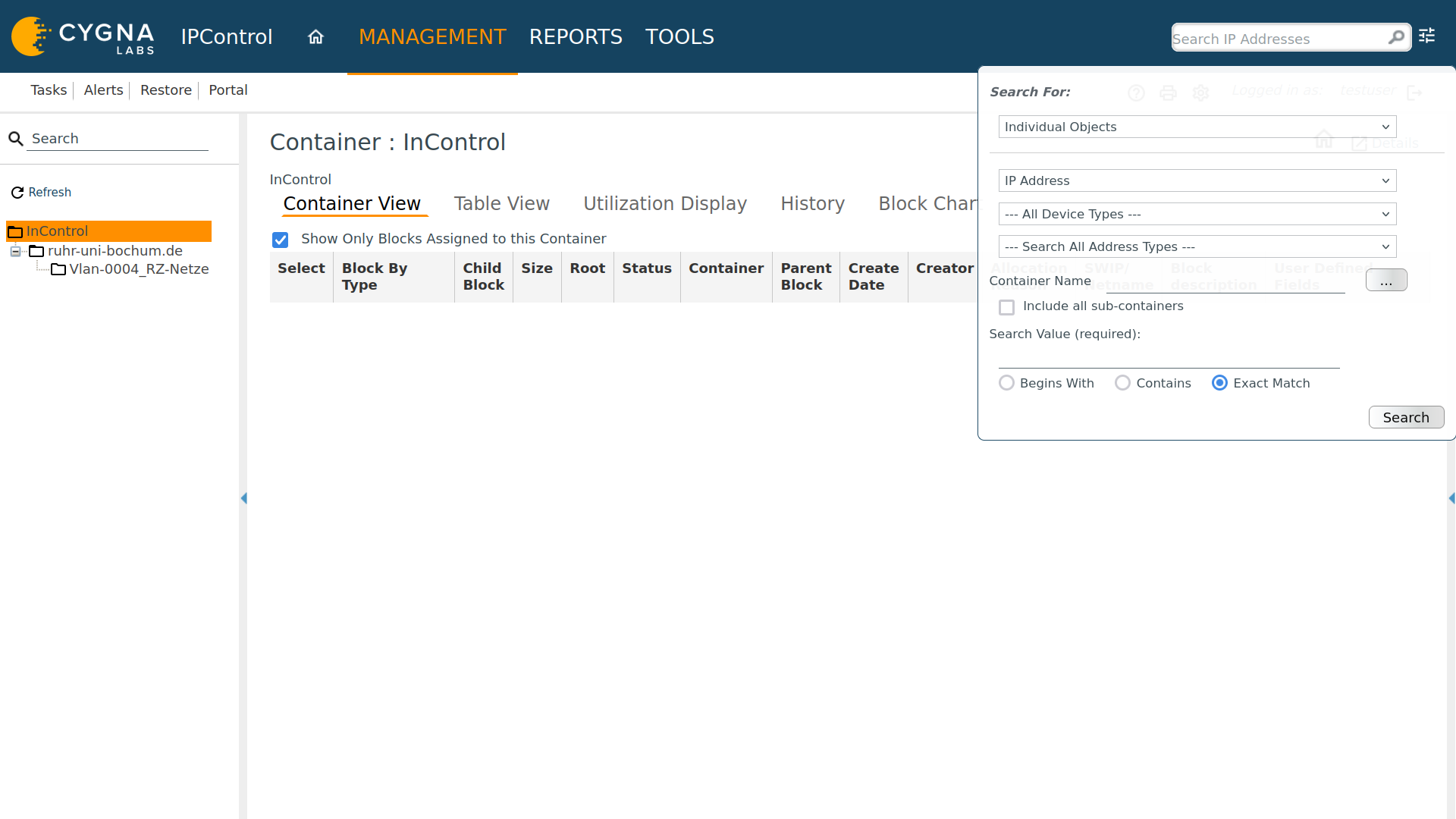
Devices, IP addresses, or DNS names can be found using the search function.
- Where? The search is located at the top right in the system.
- IP addresses are being searched for.
- Advanced search: The sliders allow you to specifically select hostnames or other criteria.
New IP address assigned
To assign an address to a new device, follow these steps:
Select area
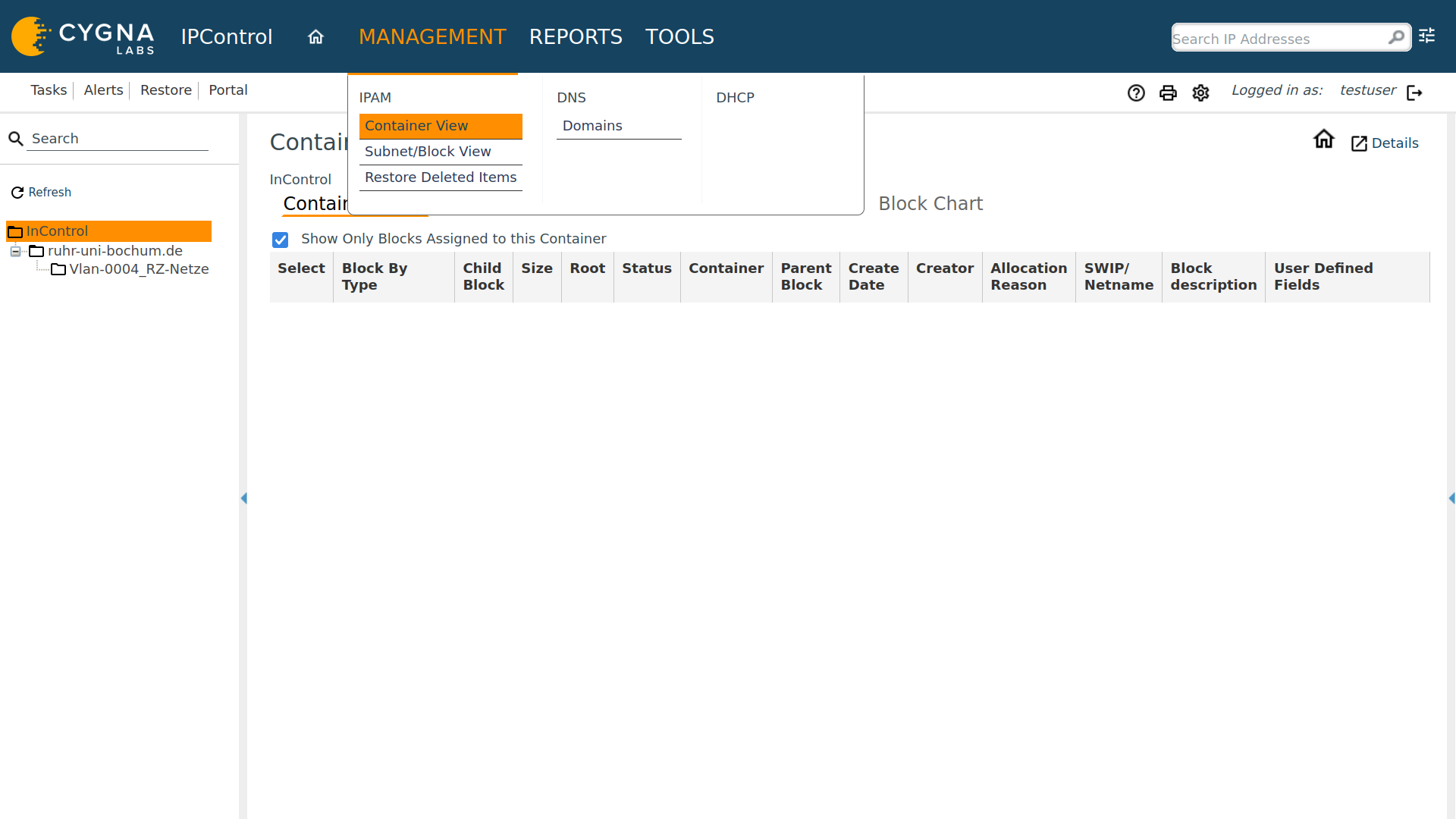
Navigate to Management > Container View in the menu. The network segments (VLANs) are organized here.
The appropriate network (VLAN)
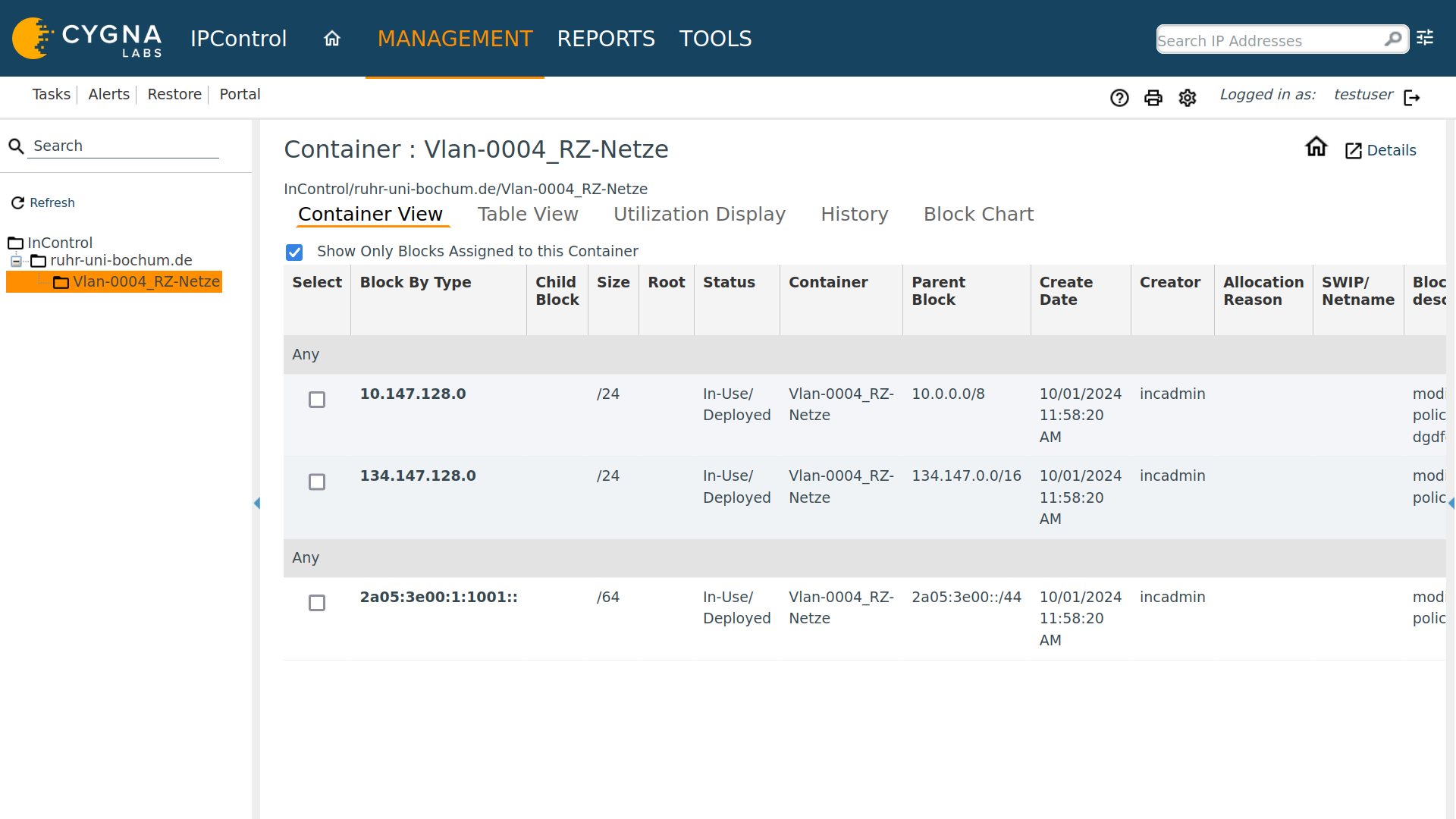
Look in the list on the left for the desired VLAN.
Tip: Use the search above the list. Important: Always enter
Vlan-followed by the number there.
Select a free address
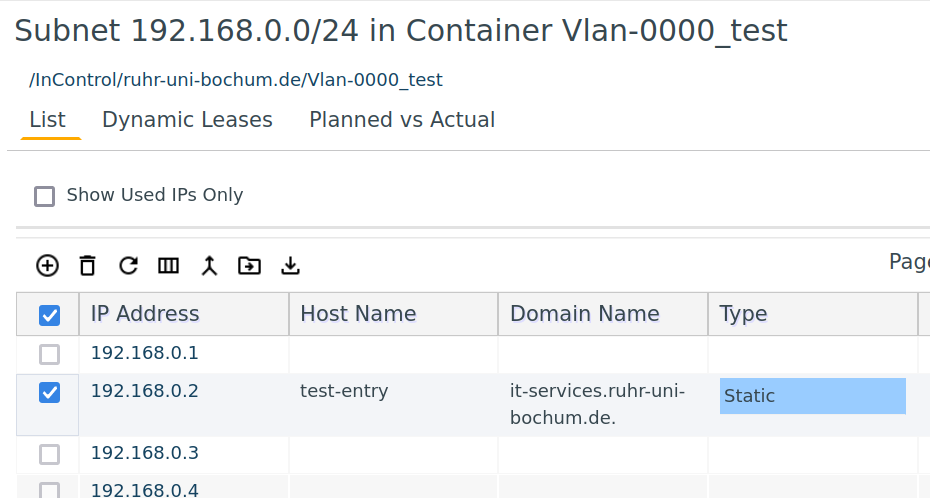
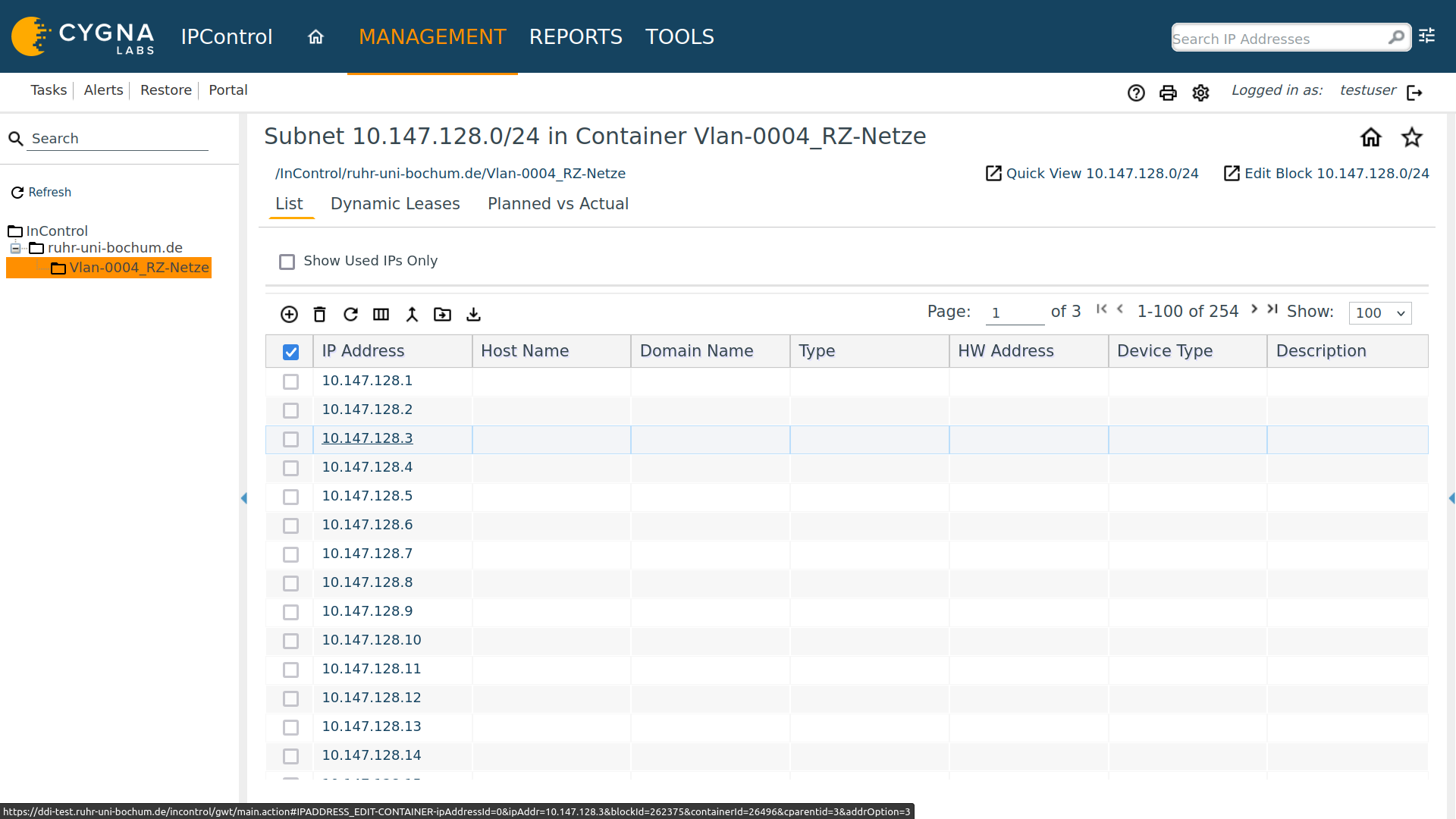
Click on the subnet to view the list of addresses.
- Select a free (white) address.
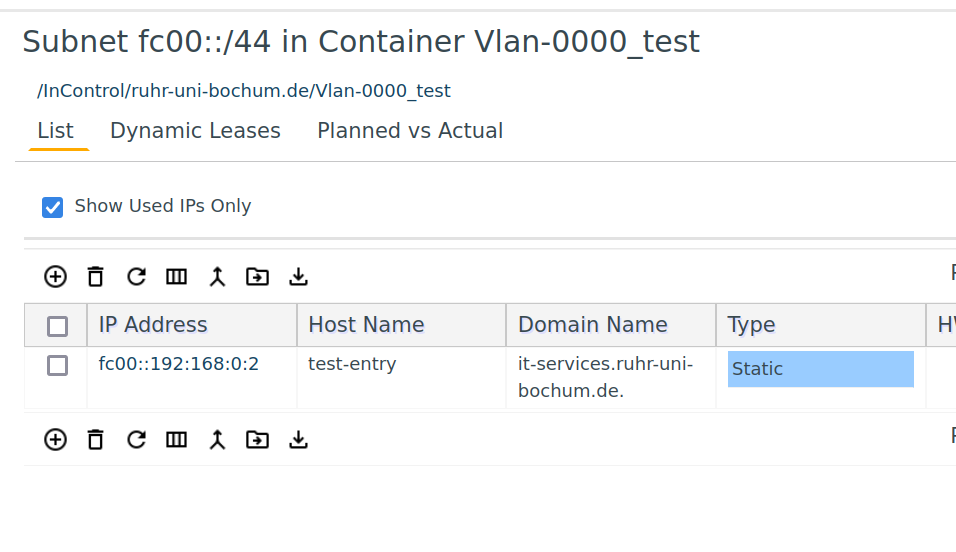
- IPv6: Click the "+" symbol to generate a new address (otherwise the list would be too long).
Enter details
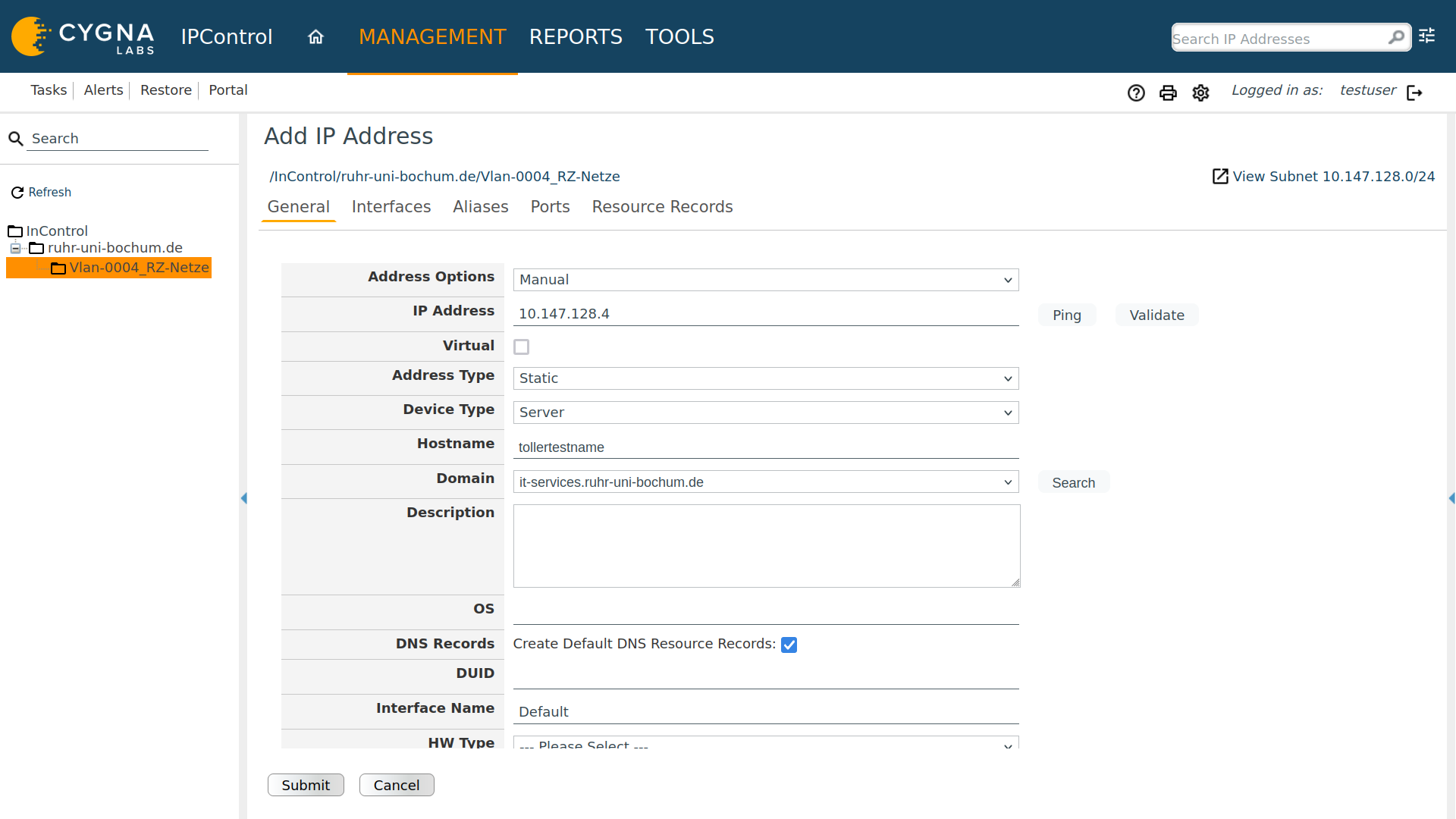
In the "Edit IP Address" window, the most important data is stored:
- Hostname: The name of the device (e.g.,
my-pc). - Address Type: Normally "Manual". If DHCP is active, select "MANUAL DHCP" and enter the device's MAC address.
- DNS Records: By default, an A record (name-to-IP) and a PTR record (IP-to-name) are created.
Manage DNS records (names)
Sometimes an IP address has multiple names, or special entries (such as for mail servers) need to be created.
Alias (middle name / CNAME)
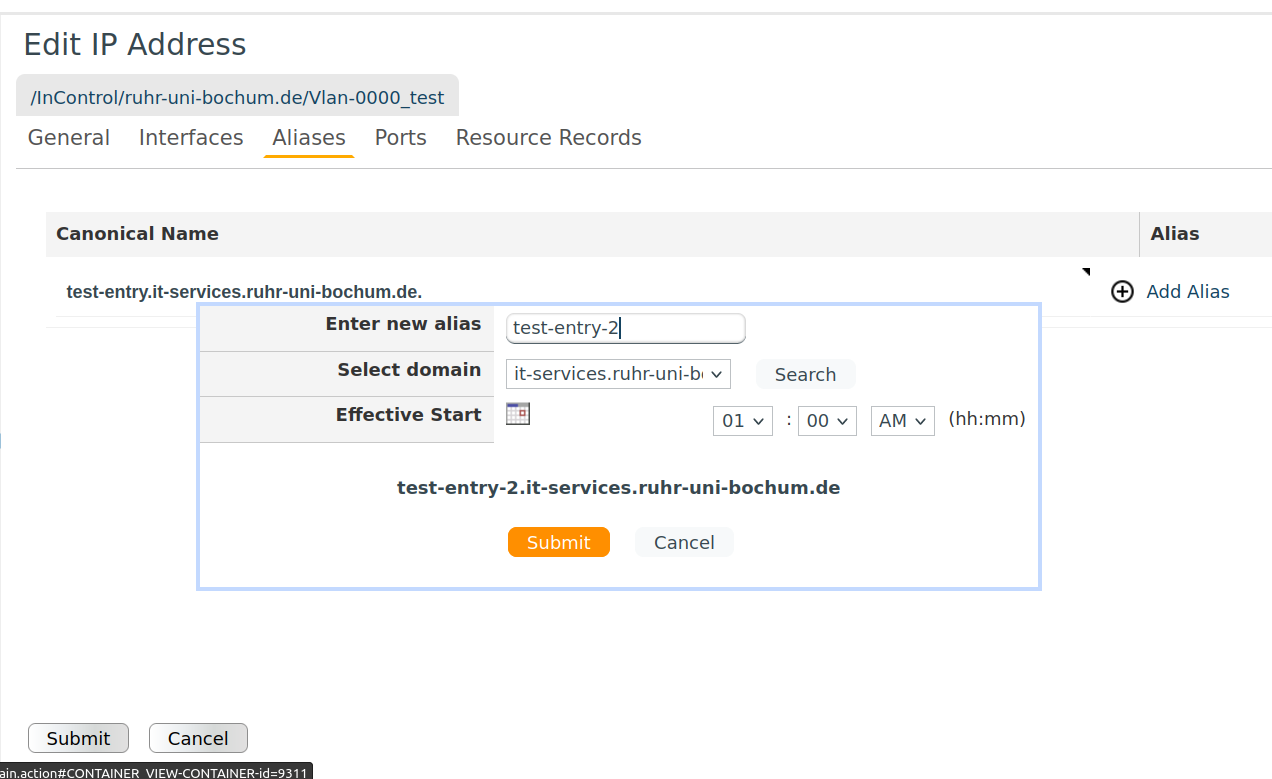
An alias is a "nickname" for an existing address.
- If the IP address is deleted, the alias automatically disappears as well, keeping the system clean. Provided you have rights to the relevant domain.
- Select the IP address, click Alias, and enter the desired name.
Manual DNS records in a zone
If you want to manage general entries for an entire domain (e.g., ihr-lehrstuhl.de):
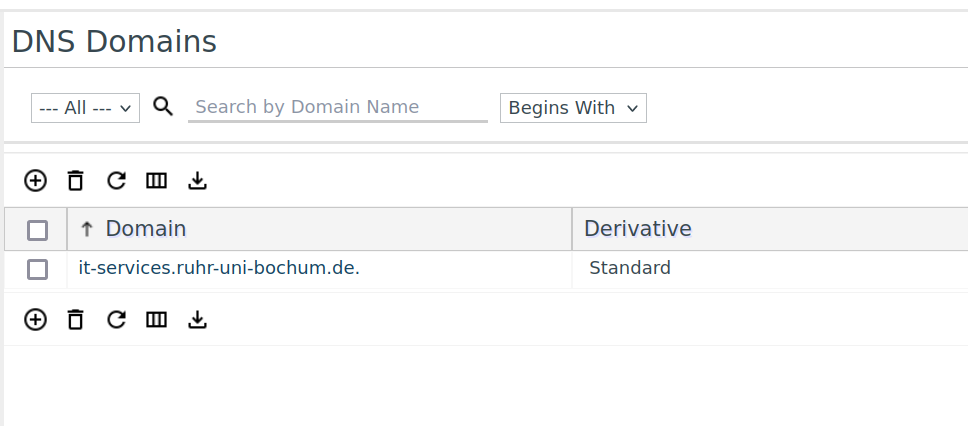
- Go to Management > Domains.
- Select your domain and click on Resource Records.
- New entries can be created using the "+" symbol.
Dual-stack (connecting IPv4 & IPv6)
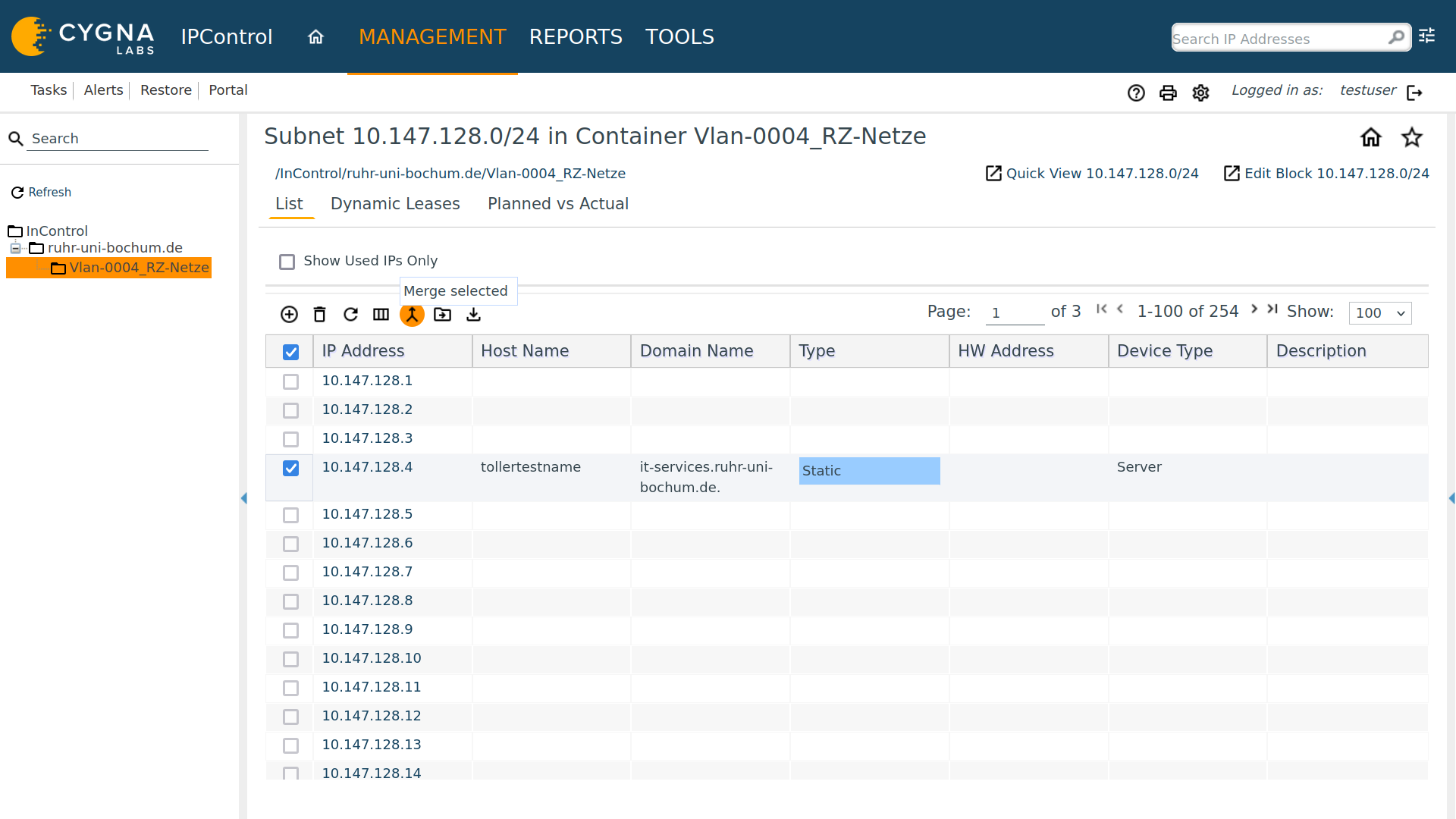
A device can have both an old (IPv4) and a new (IPv6) address simultaneously. In IPControl, these can be "married".
- Mark both addresses.
- Click Merge selected.
- The system now displays both addresses under a single entry.
Devices deleted
If an IP address is no longer needed:
- Search for the address or select it in the VLAN.
- Highlight the line (it will turn blue).
- Click on the trash can icon.